

Google Veo: What It Is, How to Use It & What It Costs in 2026
Type a sentence, get a video. That is the promise of Google Veo, Google’s AI video generator — and since May 2025 it has been the model to beat, because it was the first to generate video with synchronised sound: dialogue, music and sound effects baked into the clip, not added afterwards. A prompt like “a lighthouse keeper waves from a cliff as waves crash below, seagulls calling” comes back as an eight-second clip that looks and sounds like a scene from a film.
But Veo has changed a lot since launch, and some of the advice you will find online is already out of date. This guide explains what Google Veo is, where you can actually use it in late 2026, how much it costs, and the limits to know before you start.
What is Google Veo?
Google Veo is Google’s family of AI video generation models, built by Google DeepMind. You give it a text prompt — or a photo, or both — and it generates a short video clip: 4, 6 or 8 seconds long, in 720p, 1080p or 4K, in widescreen 16:9 or vertical 9:16 for phones.
The original Veo launched in 2024, but the version people talk about is Veo 3, announced at Google I/O in May 2025. Its headline feature was native audio: earlier video models were silent, while Veo 3 generates dialogue, ambient sound and music in sync with the picture. Veo 3.1 followed in October 2025, with better quality and more control, and it is the current version.
One important change to know up front: as of late 2026, the Gemini app no longer uses Veo for video generation — it now uses a different model, Gemini Omni. Veo 3.1 lives on in Google Flow, Google’s AI filmmaking tool, and in Google Cloud for businesses. If a tutorial tells you to open the Gemini app and pick Veo, it is out of date.
What can you do with Google Veo?

Veo is built for short clips, not feature films. Within that frame it is remarkably flexible:
- Text to video. Describe a scene and get a moving clip, complete with sound. A product shot, a landscape, a character speaking to camera — all from a sentence or two.
- Image to video. Upload a photo and Veo animates it: a still product photo becomes a slow camera move, a portrait starts talking, a landscape gains weather and movement. If you make still images first, our guide to the best free AI image-to-video generators covers the wider field.
- First and last frame. Give Veo a starting image and an ending image, and it generates the movement between them — useful for smooth transitions.
- Extend a clip. Eligible eight-second clips can be extended with more generated footage, so a scene can run longer than a single generation.
- Ingredients and references. In Google Flow you can supply reference images — a person, a product, a location — and Veo keeps them consistent across scenes, which is what makes multi-scene stories possible at all.
The practical limit is length. Eight seconds per clip means Veo suits social posts, adverts, product teasers and presentation openers — not long-form video. Think of it as a camera that shoots very short, very polished scenes.
Where to use Google Veo: Google Flow
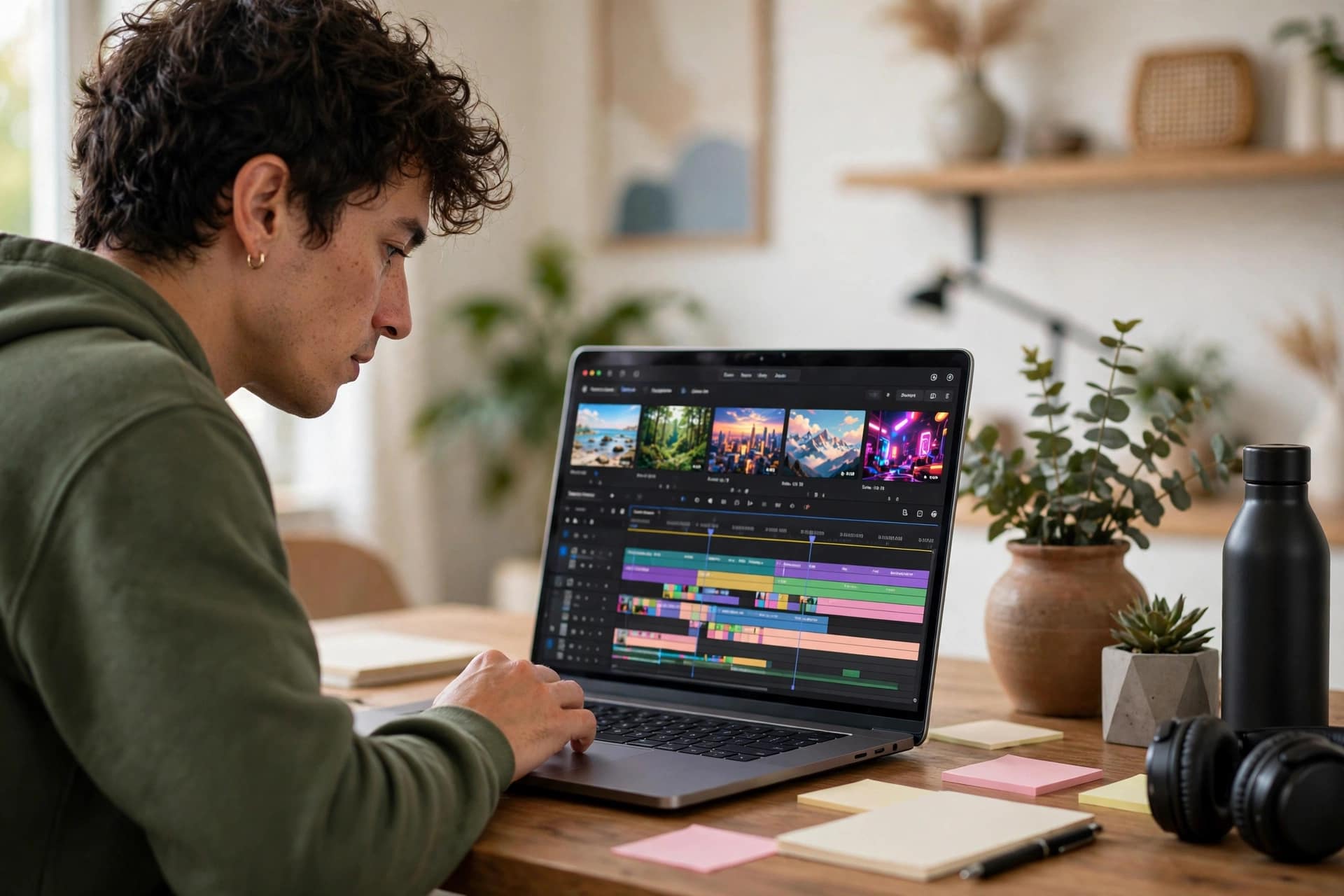
For most people, Google Veo means Google Flow, Google’s AI filmmaking tool: you write prompts, generate clips with Veo, then arrange them into scenes, extend them, and stitch them into a longer sequence. It is available in supported countries including the UK, for anyone aged 18 or over, with any Google account — no waitlist.
Inside Flow, Veo 3.1 comes in three variants. Lite is the fast, cheap option for drafts and experiments. Fast balances speed and quality. Quality (sometimes called Standard) is the best-looking output, with 4K upscaling on the top plan. There is one date to circle: Veo 3.1 Fast and Quality are scheduled to retire from Flow on 5 December 2026, leaving Lite for drafts and Gemini Omni for finished shots. If you are reading this after that date, check Flow itself for what is currently offered.
How to make your first video with Google Veo
Making a clip in Flow takes a few minutes, and you do not need a subscription to try it.
- Go to Google Flow and sign in with your Google account.
- Choose New Project, then pick Veo 3.1 Lite for your first try — it is the cheapest way to learn.
- Write your prompt as a scene, not a keyword list: subject, action, setting, camera move and sound. For example: “A golden retriever puppy runs through a sunny meadow, camera tracking low beside it, birdsong and soft wind in the background.”
- Pick your length — 4, 6 or 8 seconds — and aspect ratio: 16:9 for YouTube, 9:16 for TikTok and Reels.
- Generate, watch, and iterate. Change one thing at a time — the camera angle, the lighting, the action — and generate again.
- Download the clip you like, or keep building: extend it, add a new scene, and export the sequence.
Good Veo prompts read like a director’s note. Name the camera — “slow push-in”, “aerial shot”, “close-up” — and describe the sound, because Veo generates audio from your words. Keep prompts to one scene each; asking for three scenes in one clip confuses the model.
Google Veo pricing: Flow credits explained
Veo is not sold on its own. For consumers it is bundled into Google’s AI plans and paid for with Flow credits — the units Flow spends each time you generate a video.
- No subscription: everyone with a Google account gets 50 free Flow credits a day — about five Veo 3.1 Lite clips, or two to three Fast clips, but not a single Quality generation, which costs 100 credits on its own.
- Google AI Plus: around $4.99 a month, adding 200 Flow credits a month — roughly 20 Lite videos.
- Google AI Pro: $19.99 a month, adding 1,000 Flow credits a month — about 100 Lite clips, or 10 Quality clips.
- Google AI Ultra: $99.99 or $199.99 a month, adding 10,000 or 25,000 credits, plus extras such as 4K upscaling on the top tier.
Credits do not roll over, and video generation can be unavailable to free accounts at peak hours. Prices and credit amounts change often and vary by country, so check Google’s own Flow pricing page before you pay — and start with the free daily credits, which are enough to learn the tool properly before spending anything.
For developers, the Gemini API lists Veo 3.1 at $0.05 per second for Lite at 720p and $0.08 at 1080p, $0.10 to $0.12 per second for Fast, and $0.40 per second for Standard at 720p or 1080p, rising to $0.60 for 4K. An eight-second standard 1080p clip therefore costs about $3.20 through the API, and Google only bills for successful generations.
Google Veo vs the alternatives
Veo’s closest rival is OpenAI’s Sora, which generates longer clips and has a social feed of its own, but Veo’s native audio and its integration with Google’s ecosystem keep it ahead for many creators. Runway’s Gen-4 and Kling are strong alternatives with their own strengths in control and realism, and Pika suits quick social clips.
The honest comparison is about workflow, not just quality. Veo wins if you already pay for Google AI Pro, because the credits are included, and Flow’s scene-building is genuinely useful for stitching clips into a story. If you only need to animate a still image occasionally, the free tools in our image-to-video guide will do the job for nothing.
Limitations and honest caveats

Veo is impressive, but it has real limits. Clips are short — eight seconds at most — and longer stories need several generations stitched together, which costs credits and time. Hands, faces in motion and fast action still go wrong sometimes, and text inside video is unreliable. Generation takes a minute or two per clip, so a 30-second sequence is a real project, not a quick task.
There are also rules to respect. Veo videos carry Google’s SynthID watermark, an invisible marker identifying them as AI-generated. Do not use Veo to create misleading footage of real people or real events, and do not present AI video as genuine footage — Google’s terms prohibit deceptive use.
Frequently asked questions
Is Google Veo free?
Partly. Anyone with a Google account gets 50 free Flow credits a day, enough for about five Veo 3.1 Lite clips. More generations need a Google AI plan: Plus at around $4.99 a month, Pro at $19.99, or Ultra at $99.99 or $199.99.
Where can I use Google Veo?
In Google Flow, Google’s AI filmmaking tool, which offers Veo 3.1 in Lite, Fast and Quality variants. Businesses can also use Veo 3.1 through Google Cloud. The Gemini app no longer uses Veo — it now generates video with a different model, Gemini Omni.
How long are Google Veo videos?
Clips are 4, 6 or 8 seconds long, at 720p, 1080p or 4K depending on the tier. You can extend eligible eight-second clips and stitch several together in Flow to build a longer sequence.
Does Google Veo include audio?
Yes. Since Veo 3, audio is generated natively — dialogue, sound effects and music in sync with the picture. Describe the sound in your prompt to control it, for example “waves crashing, gulls calling”.
Can I use Google Veo videos commercially?
Google’s terms allow broad use of generated video, but you are responsible for the rights in any photo or reference image you upload. Check the current terms on Google’s site before using Veo clips in a paid campaign.
Final word
Google Veo is the most capable short-form video generator most people can actually try for free. The 50 daily Flow credits are enough to learn it properly, and the native audio is the feature that still sets it apart. Start with Lite, write prompts like a director, and build scenes one eight-second clip at a time. Just remember the calendar: Fast and Quality leave Flow on 5 December 2026, so check what is live before you commit to a project around them. For the wider picture, our AI video generators guide and our image-to-video guide are good next reads.
Sources: Google DeepMind — https://deepmind.google/ · Veo 3 pricing — https://www.cloudzero.com/blog/veo-3-pricing/


