Sage Artificial Intelligence Labs explained what Sage AI does, its key tools like Sage Copilot, who it’s for, and how to get started in 2026.
If you’ve searched for Sage Artificial Intelligence Labs, you’ve probably come across Sage’s growing family of AI-powered business tools and wondered how they all fit together. Sage Artificial Intelligence Labs is the research and development work behind Sage’s AI features — the accounting and ERP company has spent the past several years building artificial intelligence directly into its products, rather than launching a single standalone “AI lab” brand.
This guide breaks down what Sage Artificial Intelligence Labs actually involves, the tools it has produced so far, who benefits most from them, and how to start using them in your own business. Whether you’re a small business owner, a bookkeeper, or someone comparing AI accounting tools before you buy, this article gives you a practical, no-fluff overview of Sage AI Labs and its products.
What Is Sage Artificial Intelligence Labs?
Sage Artificial Intelligence Labs refers to Sage’s ongoing research and development in artificial intelligence, applied across its accounting, payroll, and enterprise resource planning (ERP) software. Rather than operating as a separate consumer-facing brand, Sage AI Labs work shows up inside familiar products — Sage Accounting, Sage Intacct, and Sage Active — as embedded AI features.
Sage has been experimenting with AI-assisted features since around 2016, gradually expanding from simple automation (like auto-categorising transactions) to the full generative AI assistants Sage Artificial Intelligence Labs is known for today.
The Mission Behind Sage AI Labs
Sage’s stated approach centres on three areas:
- Automating repetitive admin — data entry, invoice matching, bank reconciliation
- Surfacing insights — cash flow forecasts, spending patterns, anomaly detection
- Conversational access to data — letting users ask questions in natural language instead of digging through reports
This matters because most small and medium-sized businesses (SMBs) don’t have a data science team. The goal of Sage Artificial Intelligence Labs is to make financial insight accessible to people without technical or accounting expertise.
4 Key Tools Built by Sage Artificial Intelligence Labs
The clearest expression of Sage Artificial Intelligence Labs’ work is Sage Copilot, alongside three supporting AI features. Here’s a breakdown of the main tools currently available.
1. Sage Copilot
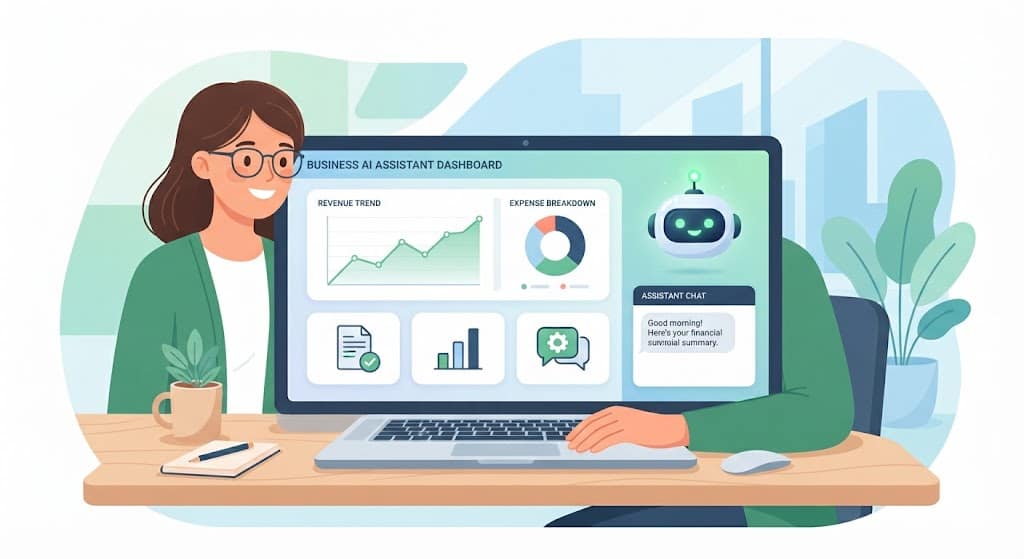
Sage Copilot is Sage’s generative AI assistant, built into products including Sage Accounting, Sage Active, and Sage Intacct. It lets users type or speak natural-language questions about their business finances and get direct answers, rather than manually building reports.
Typical things you can do with this Sage Artificial Intelligence Labs assistant include:
- Ask “which invoices are overdue this month?” and get an instant list
- Automate chasing unpaid invoices
- Get alerts before VAT or tax deadlines, with built-in error checks
- Reduce manual data entry through automated transaction capture
Sage rolled out Copilot to European small businesses using Sage Active in France, Germany, and Spain, describing it as part of a broader push to bring AI-powered accounting to SMEs across the continent.
2. Finance Intelligence Agent (Sage Intacct)
For larger, mid-market businesses using Sage Intacct, Sage Artificial Intelligence Labs has introduced a Finance Intelligence agent as part of Sage Copilot. It can retrieve and aggregate data across the platform, flag trends, and — notably — explain the reasoning behind its answers, which is important for finance teams that need to justify decisions to auditors or leadership.
3. Sage Intelligent Time
Aimed at professional services and accounting firms, Sage Intelligent Time uses AI to help track billable hours more accurately, aiming to reduce lost revenue from under-recorded time.
4. AI-Assisted Bookkeeping Features
Beyond the headline assistants, Sage AI Labs has quietly built AI into everyday bookkeeping tasks:
- Automatic bank transaction categorisation
- Duplicate invoice detection
- Cash flow forecasting based on historical patterns
- Anomaly and error detection in submitted VAT returns
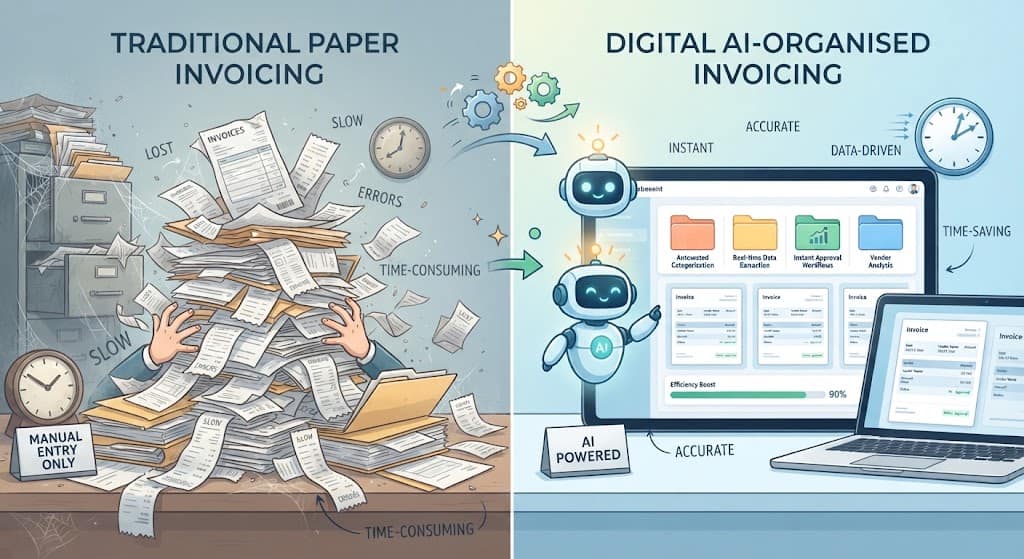
Sage AI Labs Feature Comparison Table
| Feature | Best For | Core Function | Availability |
|---|---|---|---|
| Sage Copilot | Small businesses, sole traders | Natural-language Q&A, invoice chasing, VAT alerts | Sage Accounting, Sage Active |
| Finance Intelligence Agent | Mid-market finance teams | Data aggregation, trend detection, explainable answers | Sage Intacct (phased rollout) |
| Sage Intelligent Time | Accounting & professional services firms | AI-assisted time tracking | Add-on module |
| Automated Bank Reconciliation | All Sage Accounting users | Matching transactions, flagging anomalies | Sage Accounting |
This table is a simplified overview of what Sage Artificial Intelligence Labs currently offers — features and availability can vary by region and subscription tier, so it’s worth checking your specific Sage plan before assuming a feature is included.
How Sage Artificial Intelligence Labs Approaches Responsible AI
One area Sage has been vocal about is trust. The company has publicly stated a commitment to building AI that doesn’t compromise user confidence, particularly given how sensitive financial and payroll data is. According to Sage’s own AI commitments page, the company frames its AI work around being secure, trustworthy, and designed with small and medium businesses and accountants in mind.
In practice, this responsible-AI approach tends to include:
- Keeping a human in the loop for final decisions (AI suggests, users approve)
- Being transparent about when a feature is AI-generated versus rule-based
- Restricting AI training use of customer data according to stated privacy policies
- Rolling out new AI features gradually through “early adopter” programmes rather than forcing them on all users at once
If data privacy and AI transparency matter to your business — and for anything touching payroll or tax data, they should — it’s worth reading Sage’s published AI and privacy commitments directly rather than relying on secondhand summaries.
Who Actually Uses Sage AI Labs Tools?
The tools built by Sage Artificial Intelligence Labs aren’t designed for data scientists — they’re built for people running or supporting a business day-to-day. The main user groups include:
- Small business owners who want quick answers about cash flow without learning accounting software in depth
- Bookkeepers and accountants looking to cut down time spent on manual data entry and reconciliation
- Finance managers at mid-sized companies who need forecasting and anomaly detection across larger datasets
- Accounting firms managing multiple clients, where automation directly saves billable hours
If your business already uses Sage Accounting, Sage Active, or Sage Intacct, you may already have access to Sage Artificial Intelligence Labs features without realising it — Sage has made Copilot free to existing users on several plans rather than charging extra.
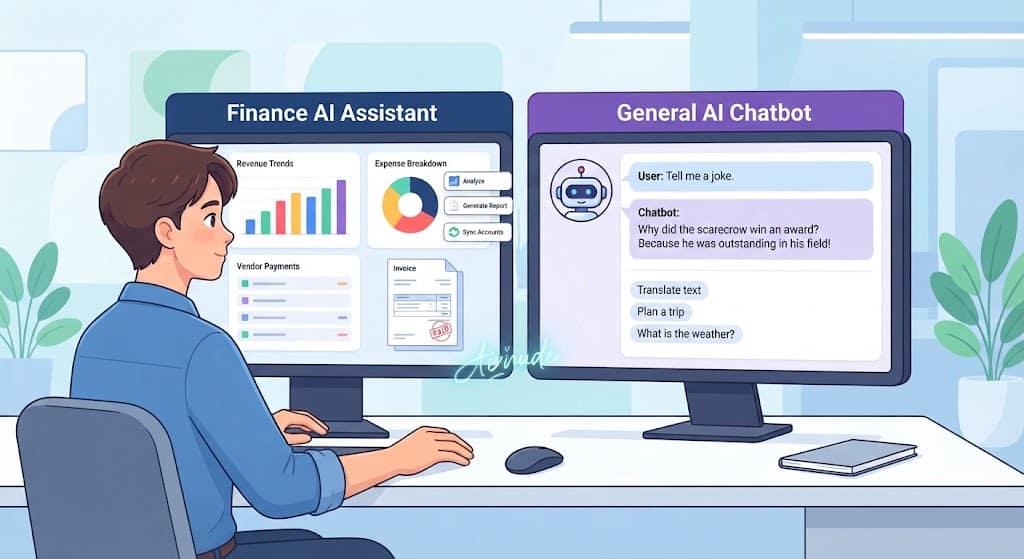
Sage AI Labs vs. General AI Chatbots: What’s Different?
A common point of confusion is how Sage Artificial Intelligence Labs’ tools differ from general-purpose AI chatbots like ChatGPT or Copilot in Microsoft 365. Here’s the practical distinction:
| Aspect | Sage AI Labs (e.g., Sage Copilot) | General AI Chatbot |
|---|---|---|
| Data access | Directly connected to your live accounting/ERP data | No native access to your financial records |
| Accuracy on financial tasks | Built and tested specifically for accounting workflows | General-purpose, not finance-specific |
| Compliance features | VAT/tax deadline alerts, error checks built in | None, unless manually configured |
| Setup required | Built into your existing Sage subscription | Requires manual data entry or integration |
In short: general AI chatbots are flexible and broad, while Sage Artificial Intelligence Labs tools are narrow but deeply integrated with the numbers your business already runs on.
Benefits of Sage Artificial Intelligence Labs Tools
- Time savings on admin — Sage has stated its automated data entry can save users several hours of admin per week
- Faster payments — automatic invoice chasing is designed to help businesses get paid sooner
- Fewer errors — automated checks catch issues before VAT submission rather than after
- Accessible insights — natural language queries mean non-accountants can still understand their numbers
- Built-in compliance support — deadline alerts and direct submission features (e.g., to HMRC in the UK) reduce the risk of missed filings
Limitations to Consider
No AI tool is a complete replacement for financial judgement, and Sage AI Labs is no exception. Keep these points in mind:
- AI suggestions still need review — especially for anything submitted to tax authorities
- Feature availability varies by plan and region — not every Sage Artificial Intelligence Labs feature is available on every tier or in every country
- Phased rollouts — some advanced features (like the Finance Intacct Finance Intelligence agent) are still in early adopter phases and not universally available
- Data quality matters — AI forecasting and anomaly detection are only as good as the transaction data you feed into the system
- It’s not a bookkeeper replacement — Sage positions its AI as a support tool, not a substitute for professional accounting advice on complex matters
How to Get Started with Sage Artificial Intelligence Labs
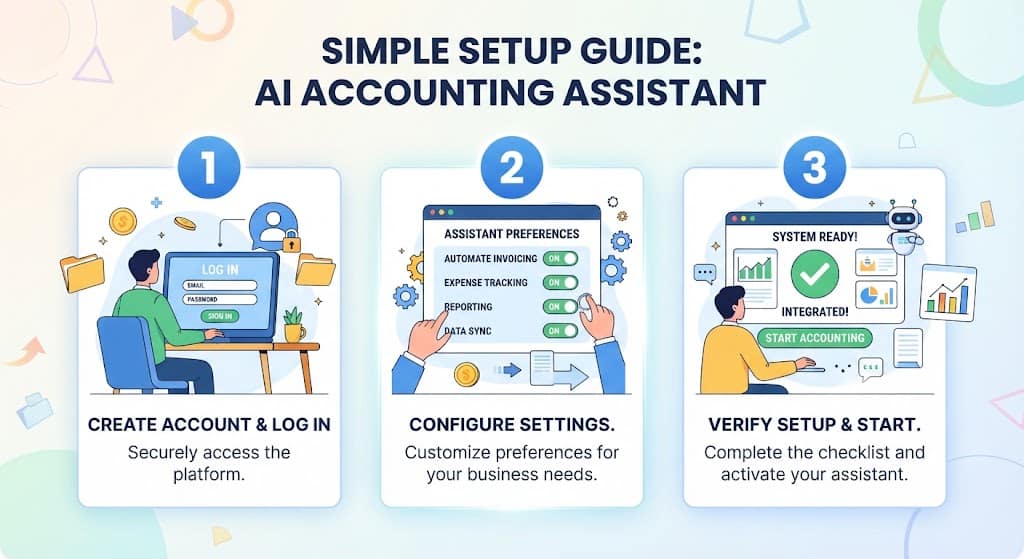
If you already use Sage software, getting started with its AI features is usually straightforward:
- Check your current plan — log into your Sage Accounting, Sage Active, or Sage Intacct account and look for a “Copilot” or “AI” section in settings
- Enable early adopter features — some tools, like the Finance Intelligence agent, require opting in through your Sage administrator
- Start with low-risk tasks — try AI-assisted invoice chasing or bank reconciliation before relying on AI for tax submissions
- Review AI-generated insights before acting — treat outputs as a starting point, not a final answer
- Keep your data clean — accurate categorisation and up-to-date records improve the quality of AI forecasts and alerts
If you’re not yet a Sage customer, most Sage Artificial Intelligence Labs features are bundled into standard subscription tiers rather than sold separately, so it’s worth comparing plans based on the AI features included rather than assuming they’re an add-on cost.mparing plans based on the AI features included rather than assuming they’re an add-on cost.
The Future of Sage Artificial Intelligence Labs
Sage has continued expanding its AI footprint through 2026, with the Finance Intelligence agent moving through phased rollouts inside Sage Intacct and Copilot becoming a standard, no-extra-charge feature across more of its small business products. The pattern suggests Sage Artificial Intelligence Labs’ strategy is shifting from “bolt-on assistant” toward AI being a default layer across its entire software suite, rather than a separate premium feature.
For UK and European businesses in particular, this means AI-assisted accounting is likely to become the norm rather than the exception over the next few years — making it worth understanding Sage Artificial Intelligence Labs’ tools now, even if you’re not using them yet.
Frequently Asked Questions
1. What is Sage Artificial Intelligence Labs?
It refers to Sage’s AI research and development work, expressed through embedded features like Sage Copilot inside its accounting, payroll, and ERP software, rather than a standalone product.
2. Is Sage AI free to use?
Many core AI features, including Sage Copilot, have been made available at no extra charge for existing users on eligible Sage Accounting and Sage Active plans. Some advanced enterprise features may have separate rollout terms.
3. What is Sage Copilot used for?
Sage Copilot is a generative AI assistant that answers natural-language questions about your finances, automates invoice chasing, flags overdue payments, and helps with VAT deadline management.
4. Is Sage Artificial Intelligence Labs safe for sensitive financial data?
Sage has publicly committed to building AI that is secure and doesn’t erode customer trust, with features designed around compliance and data protection. As with any AI tool handling financial data, it’s worth reviewing Sage’s current privacy policy for full details.
5. Can Sage AI replace an accountant or bookkeeper?
No. Sage positions its AI tools as support for admin and insight generation, not a replacement for professional accounting judgement on complex financial or tax matters.
6. Does Sage Artificial Intelligence Labs work for large enterprises, or just small businesses?
Both. Sage Copilot and related tools serve small businesses through Sage Accounting and Sage Active, while larger organisations use AI features through Sage Intacct’s Finance Intelligence agent.
7. How is Sage AI different from ChatGPT or other AI chatbots?
Sage AI connects directly to your live business data and is purpose-built for accounting tasks, while general AI chatbots are broader tools without native access to your financial records.
8. How do I access Sage Artificial Intelligence Labs features?
If you already have a Sage Accounting, Sage Active, or Sage Intacct subscription, check your account settings for a Copilot or AI section — most features are built in rather than requiring separate signup.
Final Thoughts
Sage Artificial Intelligence Labs isn’t a mysterious separate company — it’s the engine behind the AI features already showing up inside Sage’s accounting and ERP software. For small business owners and finance teams, the practical upshot is simple: less time on manual admin, faster answers to financial questions, and built-in support for staying compliant. As Sage Artificial Intelligence Labs continues rolling out tools like the Finance Intelligence agent more widely, understanding how these features work now will make it easier to get value from them as they become standard.