

Microsoft Copilot and ChatGPT are the two AI assistants most people actually end up choosing between. One lives inside Word, Excel, Outlook, and Teams. The other is the chatbot that made AI mainstream. Both can write, summarise, brainstorm, and code — so which one deserves your time, and your money?
The honest answer is that they are built for different jobs. This comparison breaks down how Copilot vs ChatGPT differ on features, models, integrations, pricing, and privacy, so you can pick the right one for how you actually work.
Copilot vs ChatGPT at a Glance
| Microsoft Copilot | ChatGPT | |
|---|---|---|
| Made by | Microsoft | OpenAI |
| Main strength | Works inside Microsoft 365 apps and your work files | General-purpose chat, writing, reasoning, and coding |
| Built-in apps | Word, Excel, PowerPoint, Outlook, Teams | Web, desktop, and mobile apps |
| Work context | Reads your emails, documents, and meetings (with permission) | No access to your work files unless you upload them |
| Free version | Yes — free Copilot on the web and in Windows | Yes — free tier with usage limits |
| Paid plans | Business from £18.10 per user/month (paid yearly, excl. VAT, at the time of writing) | Paid Plus plan (priced in US dollars — check OpenAI’s pricing page for current rates) |
| Best for | People who live in Microsoft 365 for work | Writing, research, coding, and everyday AI tasks |
If you want the one-sentence verdict: choose Copilot if your working day happens inside Microsoft 365; choose ChatGPT if you want the most flexible all-round AI assistant.
What Is Microsoft Copilot?
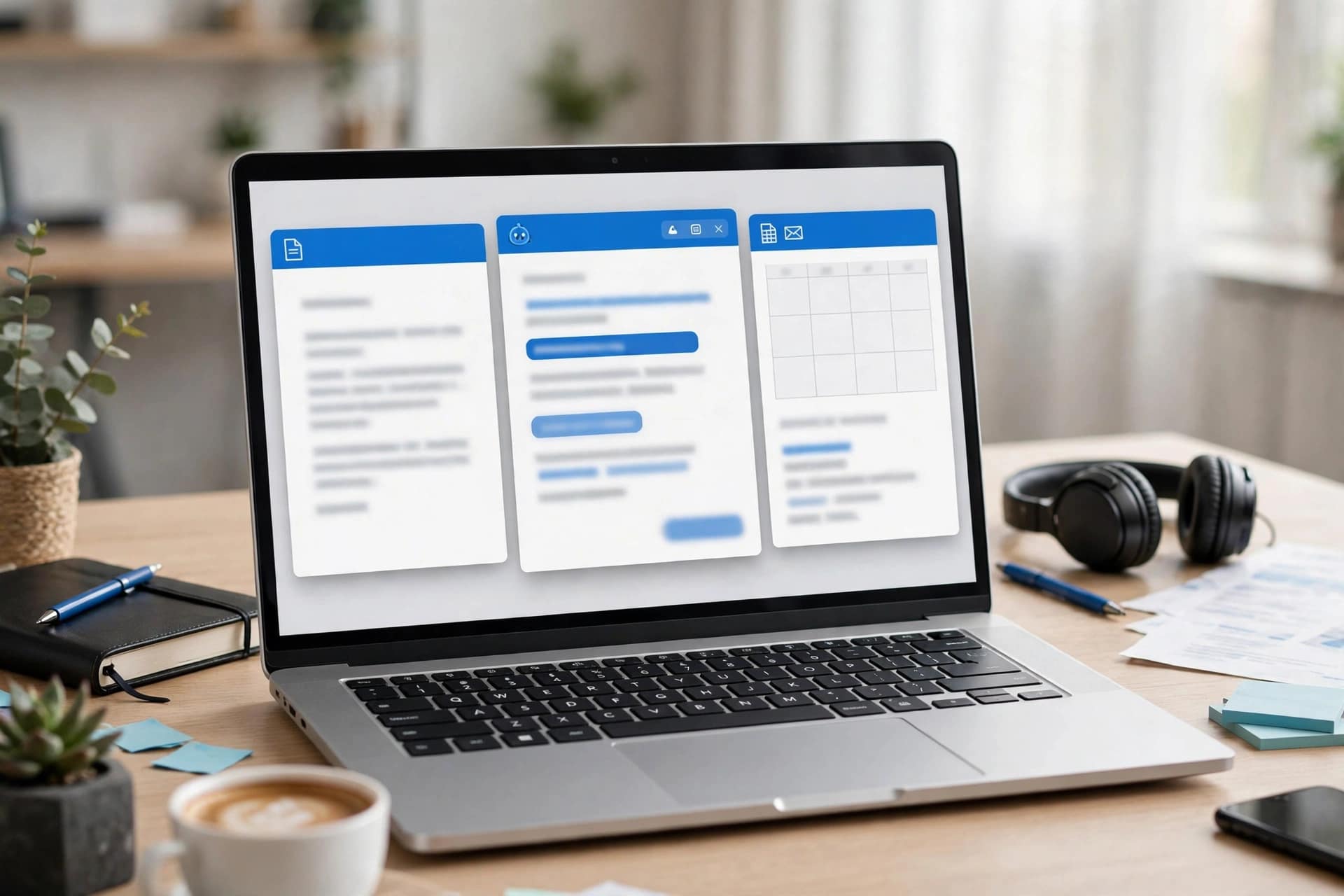
Microsoft Copilot is Microsoft’s AI assistant, built into the apps and services many workplaces already use. It connects with your work content and the apps you already use, bringing together leading AI models to help you create finished work, not just answers.
In practice, that means you can ask Copilot in Word to draft a report from your notes, ask it in Excel to analyse a spreadsheet and build a chart, ask it in Outlook to summarise a long email thread, or ask it in Teams to recap a meeting you missed. Its Work IQ feature grounds answers in your company context — your documents, your team’s roles, and the projects behind them.
Copilot also includes an Agent Builder, which lets you create small custom agents for work tasks using natural language, and Copilot Studio for larger deployments. It runs across desktop, mobile, and web, and Microsoft positions it as secure by design, built on the Microsoft 365 foundation with enterprise-grade controls and separate work and personal accounts.
There is a free version of Copilot available on the web and in Windows, but the deep integration with Word, Excel, Outlook, and Teams — the part that makes it genuinely different — comes with the paid Microsoft 365 Copilot plans. Learn more on the Microsoft Copilot page.
What Is ChatGPT?

ChatGPT is OpenAI’s AI chatbot, and the product that brought generative AI to the general public. It is a conversational assistant you can use for writing, brainstorming, research, coding, planning, and answering questions, through a website, desktop app, or mobile app.
ChatGPT’s strength is its flexibility. It is not tied to one company’s office suite, so it works just as well for a student writing an essay, a developer debugging code, a marketer drafting a campaign, or anyone planning a holiday. It handles long documents, follows detailed instructions, and — on paid plans — can use more capable models, work with files, and remember context across conversations.
ChatGPT also has a free tier that covers everyday use, with usage limits. The paid Plus plan unlocks higher limits and more advanced features. Because OpenAI prices in US dollars, UK users should check the current pricing page before subscribing. For a deeper look at how to get the most from it, see our ChatGPT guide, which covers its features in detail. Learn more on the OpenAI ChatGPT page.
Related reading: Claude vs ChatGPT and Best Free AI Tools to Try in 2026.
Copilot vs ChatGPT: Features Compared
Writing and drafting
Both are strong writers, but they shine in different places. ChatGPT is the better pure writing partner: it drafts, rewrites, changes tone, and structures long documents from a blank page, and it follows detailed style instructions well. Copilot is better when the writing starts from your existing work — turning meeting notes into a proposal in Word, or drafting a reply in Outlook that references the email thread.
Working with your documents
This is Copilot’s biggest advantage. Because it is grounded in your Microsoft 365 content, it can summarise a document you never opened, pull figures from a spreadsheet into a presentation, or find the decision buried in a Teams chat. ChatGPT can do similar work, but only with files you deliberately upload, and it has no connection to your workplace systems.
Coding
ChatGPT is the stronger coding companion for most people. It explains code clearly, debugs errors, writes functions, and works across languages, and it is widely used by developers as a pair programmer. Copilot can help with code too — notably through GitHub Copilot, a separate developer-focused product — but the general Microsoft Copilot assistant is not primarily a coding tool.
Research and accuracy
ChatGPT is a capable research helper, especially when it can browse the web and cite sources. Copilot can also search the web and ground answers in your work files, which is valuable when the “right” answer depends on internal documents rather than public information. Neither tool should be trusted blindly: both can produce confident-sounding mistakes, so fact-check anything important.
Ease of use
ChatGPT wins on simplicity. Open the app, type, get an answer — no setup, no licences, no IT admin. Copilot is simple once it is set up inside Microsoft 365, but getting the full version usually means a business subscription and an admin enabling it for your organisation.
Copilot vs ChatGPT: Pricing
Pricing changes often, so treat the figures below as a snapshot at the time of writing and check the official pricing pages before buying.
Microsoft Copilot: the business plan is listed at £18.10 per user per month when paid yearly, excluding VAT, with an enterprise plan at £23.10 per user per month. A free version of Copilot is available on the web and in Windows with more limited features.
ChatGPT: the free tier covers everyday use with usage limits. The paid Plus plan adds higher limits and more advanced features, priced in US dollars.
For a single person who just wants a good AI assistant, ChatGPT’s free tier is the cheapest way to start. For a business already paying for Microsoft 365, Copilot’s value comes from the time it saves inside the apps staff already use all day.
Privacy and Data: What to Know
Privacy is where the two differ in ways that matter for work:
Copilot is built on Microsoft 365’s enterprise controls. Work and personal accounts stay separate, and Microsoft states that enterprise-grade controls protect your data, people, and business. For organisations with compliance requirements, that foundation is a major reason to choose Copilot.
ChatGPT stores conversations on OpenAI’s systems, and — depending on settings — chats may be reviewed and used to improve models. Free-tier users should avoid pasting sensitive personal, financial, or company-confidential information into it, and businesses should check OpenAI’s data controls before using it for work documents.
If you handle client data or regulated information, your employer’s policy should decide this question, not a feature list.
Which Should You Choose?

Work through these five questions and the answer usually becomes obvious:
- Do you spend most of your working day in Word, Excel, Outlook, and Teams? If yes, Copilot’s integration will save you more time than any other feature.
- Do you need an assistant for many different things — writing, coding, study, personal projects? ChatGPT’s flexibility makes it the better all-rounder.
- Do you write code regularly? ChatGPT is the stronger general coding partner, and developers should also look at GitHub Copilot.
- Does your work involve sensitive company data? Copilot’s Microsoft 365 foundation and enterprise controls are built for that.
- Is budget the deciding factor? Both have capable free tiers. Try ChatGPT free first if you are an individual; trial Copilot if your workplace already runs on Microsoft 365.
Many people end up using both: ChatGPT for open-ended thinking, writing, and coding, and Copilot for the daily grind inside Microsoft 365. That combination is perfectly sensible, and costs nothing if you stick to the free tiers.
Frequently Asked Questions
Is Microsoft Copilot better than ChatGPT?
Neither is better overall — they are built for different jobs. Copilot is better inside Microsoft 365, where it can use your emails, documents, and meetings. ChatGPT is better as a flexible, general-purpose assistant for writing, coding, and research.
Can I use Copilot for free?
Yes. A free version of Copilot is available on the web and in Windows, with more limited features. The full Microsoft 365 integration requires a paid plan.
Is ChatGPT free?
Yes, ChatGPT has a free tier that covers everyday use, with usage limits. A paid Plus plan unlocks higher limits and more advanced features.
Does Copilot use ChatGPT?
Copilot is built by Microsoft and uses leading AI models, including models from OpenAI, combined with Microsoft’s own systems and your work context. It is a separate product from ChatGPT, even though the underlying technology is related.
Which is better for work, Copilot or ChatGPT?
For most office work inside Microsoft 365 — drafting in Word, analysing spreadsheets, summarising meetings — Copilot is the stronger choice. For varied, open-ended work outside that ecosystem, ChatGPT is usually the better fit.
Conclusion
Copilot vs ChatGPT is not really a fight with one winner. Copilot wins when your work lives in Microsoft 365 and you want an assistant that already knows your documents, meetings, and emails. ChatGPT wins when you want one flexible assistant for almost anything — writing, coding, learning, and everyday problem-solving. The practical move is to try both free tiers for a week on your real work, then pay only for the one that saves you measurable time. And if your workplace already runs on Microsoft 365, ask your IT team whether Copilot is available to you — it may already be included in a plan your organisation pays for.


