Confused by hundreds of AI tools? Compare the best AI software of 2026 by category, features, and price, then pick the right fit in minutes.
Best AI Software in 2026: Top Tools, Features, Benefits & Buying Guide
If you’ve tried to choose AI software this year, you already know the problem: there are hundreds of tools, they all claim to “do everything,” and picking the wrong one wastes both money and time. The short answer is that no single AI software wins every category — the best choice depends on whether you need writing, coding, research, images, video, or business automation, and this guide breaks down exactly which tool fits which job so you can decide in minutes, not weeks.
AI software has moved past the novelty stage. It’s now a working part of how teams write, code, design, and run their operations. But “best” is not one-size-fits-all, so this guide is organized around real use cases, not hype.
What Counts as AI Software in 2026
AI software refers to any application built around a machine learning or generative model that performs a task a person would normally do manually — writing a paragraph, summarizing a meeting, generating an image, or reviewing code. It’s a broad category that includes:
- Conversational AI assistants (chatbots and copilots)
- AI coding tools and agentic development platforms
- AI content and writing generators
- AI image and video generators
- AI research and analytics tools
- AI business automation and agent platforms
The big shift this year is that reasoning is no longer a separate mode you toggle on — most leading models now blend step-by-step reasoning into everyday answers by default. Agents have also become a standalone product category rather than a feature bolted onto a chatbot.
How We Evaluated These Tools
Before recommending anything, it’s worth knowing what “best” should actually measure. A fair evaluation looks at:
- Output quality — accuracy, tone, and usefulness of the result
- Ease of use — how much setup or prompting skill is required
- Integration — whether it plugs into tools you already use
- Pricing transparency — clear tiers versus confusing add-ons
- Support for teams — permissions, collaboration, and admin controls
Keep this checklist in mind as you compare options later in this guide — it applies whether you’re evaluating a $20/month writing tool or an enterprise automation platform.
Top AI Software by Category
1. Best AI Assistants for General Use
General-purpose assistants are the entry point for most people. They handle writing, research, brainstorming, and basic document work in one interface.
- ChatGPT — the most widely used assistant, strong at brainstorming, image generation, and casual back-and-forth conversation.
- Claude — known for careful reasoning, long-form writing, and giving direct answers rather than hedging.
- Gemini — tightly integrated with Google Workspace, useful if your team already lives in Docs, Sheets, and Gmail.
Tip: If you only plan to use one assistant, pick based on where you already work. Google-heavy teams benefit most from Gemini; teams that write and edit long documents often prefer Claude.
2. Best AI Coding Software
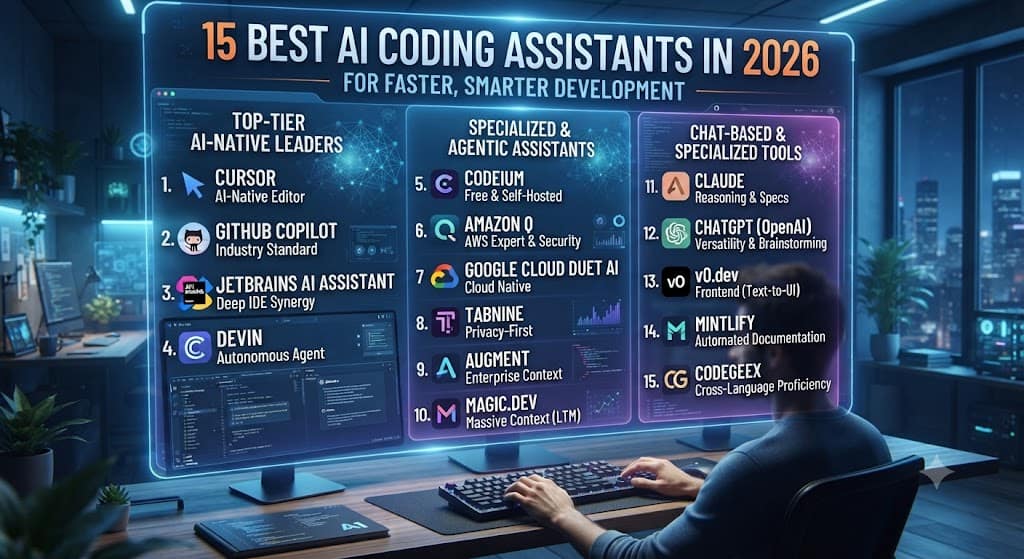
Coding is where AI software has advanced the fastest. Development tools have moved from simple autocomplete to full agentic workflows that can run in the background.
- Claude Code — built for developers who want an AI agent embedded directly into their terminal and codebase.
- Cursor — an AI-native code editor that can now run multiple coding agents in parallel across branches and environments.
- GitHub Copilot — the most broadly adopted option, especially inside teams already using Microsoft’s developer stack.
If your team is scaling AI-assisted development, it’s worth reading a technical comparison of coding agents on AI Software before committing to one platform.
3. Best AI Writing and Content Software
Content teams need tools that keep tone consistent across dozens of writers, not just generate one blog post.
- Jasper — built for marketing teams, with brand-voice controls that keep output consistent.
- Grammarly — best for editing and polishing text a human already wrote.
- Gamma — turns rough notes into formatted documents, presentations, or web pages in minutes.
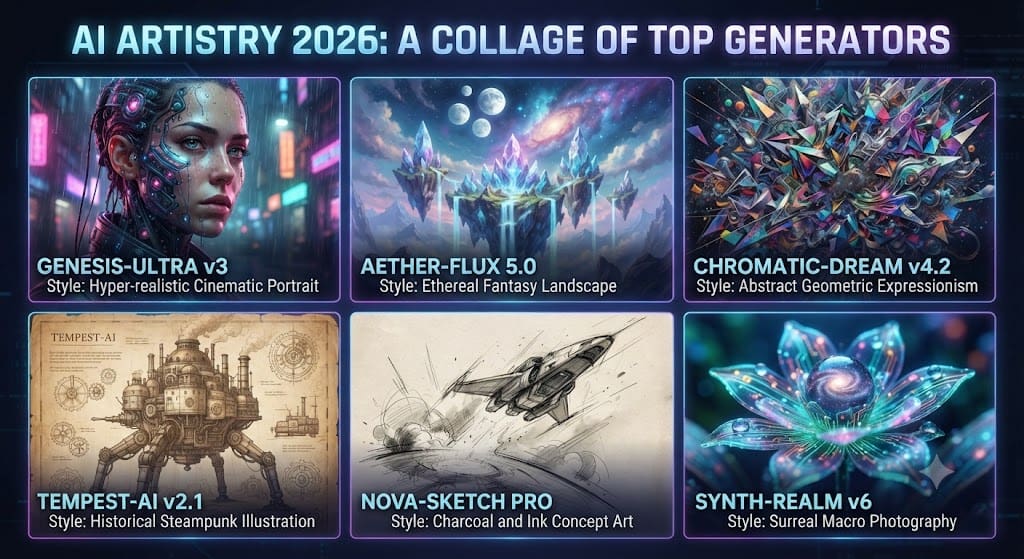
4. Best AI Image and Video Generators
- Midjourney — still the top pick for stylized, artistic image generation.
- DALL-E 3 — faster iteration and easier prompting for quick concepts.
- Veo and Sora — the leading text-to-video generators, useful for short marketing clips and storyboarding.
- Synthesia — generates presenter-style business videos directly from a script.
5. Best AI Research and Analytics Software
- Perplexity — cites its sources, which makes it the most trustworthy option for research-heavy work.
- NotebookLM — answers questions using only the documents you upload, useful for internal knowledge bases.
6. Best AI Business and Agent Automation Platforms
This is the fastest-growing category in 2026. These platforms connect AI models to your actual business systems — email, calendars, CRMs, and support tickets — so tasks complete automatically instead of just being drafted.
- Microsoft Agent 365 — an enterprise control plane for managing AI agents across a company.
- Lindy — no-code agent building for smaller teams that want automation without hiring developers.
A practical walkthrough of setting up your first automated workflow is available in Tech Command’s AI automation setup guide.
Comparison Table: Top AI Software at a Glance
| Software | Best For | Starting Price | Standout Feature |
|---|---|---|---|
| ChatGPT | All-around daily use | Free / $20/mo | Broadest feature set |
| Claude | Long-form writing & coding | Free / $20/mo | Careful reasoning, fewer errors |
| Gemini | Google Workspace users | Free / $20/mo | Native Docs & Gmail integration |
| Cursor | AI-native software development | $20/mo | Parallel coding agents |
| Perplexity | Research with citations | Free / $20/mo | Source-backed answers |
| Jasper | Marketing content at scale | ~$49/mo | Brand voice consistency |
| Midjourney | Artistic image generation | ~$10/mo | Stylized visual quality |
| Lindy | No-code business automation | Custom | Agent building without code |
Prices change often, so always confirm current tiers directly on the provider’s pricing page before subscribing.
Key Benefits of Using AI Software
- Time savings on repetitive writing, research, and admin tasks
- Faster iteration on creative work like drafts, designs, and video concepts
- Lower cost than hiring for every specialized task
- Consistency across teams when tools include brand or style controls
- Around-the-clock availability, since AI software doesn’t work office hours
Common Buying Mistakes to Avoid
- Choosing based on hype alone. A tool trending on social media isn’t automatically the right fit for your workflow.
- Ignoring data privacy terms. Check whether your inputs are used for further model training, especially for sensitive business data.
- Paying for overlapping tools. Many teams end up with three subscriptions doing the same job. Audit what you already pay for before adding another tool.
- Skipping the free trial. Nearly every serious AI software provider offers a trial or free tier — test it with your real work before committing annually.
For a deeper breakdown of vendor contracts and renewal terms, see Tech Command’s software buying checklist.
How to Choose the Right AI Software for You
Ask yourself three questions before subscribing to anything:
- What task takes up the most time right now? Start there, not with the flashiest feature.
- Does it integrate with tools you already use? A powerful tool that doesn’t fit your workflow adds friction instead of removing it.
- Can you test it with real work first? Run your actual documents, code, or campaigns through it during a trial before deciding.
If you’re choosing for a team rather than yourself, involve the people who’ll use it daily. Adoption fails most often when a tool is picked from the top down without input from actual users.
Frequently Asked Questions
What is the best AI software overall in 2026?
There isn’t one universal winner. ChatGPT remains the most versatile all-rounder, Claude leads for long-form writing and coding, and Perplexity is strongest for cited research. The right pick depends on your specific task.
Is free AI software good enough for most people?
Yes, for many everyday tasks. Free tiers of ChatGPT, Claude, and Gemini handle writing, summarizing, and basic research well. Paid tiers matter more for heavy daily use, larger context windows, or business features like admin controls.
What’s the difference between an AI assistant and an AI agent?
An assistant responds when you prompt it. An agent can complete multi-step tasks on its own — for example, drafting an email, checking your calendar, and sending a follow-up without you approving each step.
Is AI software safe for business or sensitive data?
Most reputable providers offer business tiers with stronger data protections and options to opt out of training on your inputs. Always read the specific data-handling policy for the tier you’re subscribing to, since free consumer tiers often have fewer protections than paid business plans.
How much should I expect to pay for AI software?
Individual tools typically range from free to $20–$50 per month per user. Enterprise automation platforms with agent management can cost significantly more, often billed per seat or per workflow.
Final Thoughts
The best AI software in 2026 isn’t a single app — it’s the right combination of tools for how you actually work. Start with the task costing you the most time, test two or three options against your real work, and expand from there. Whether that’s an AI assistant for daily writing, a coding agent for development, or an automation platform for your whole team, the goal is the same: less time on repetitive work, and more time on the parts of the job only a person can do.